

WhatsAppReference
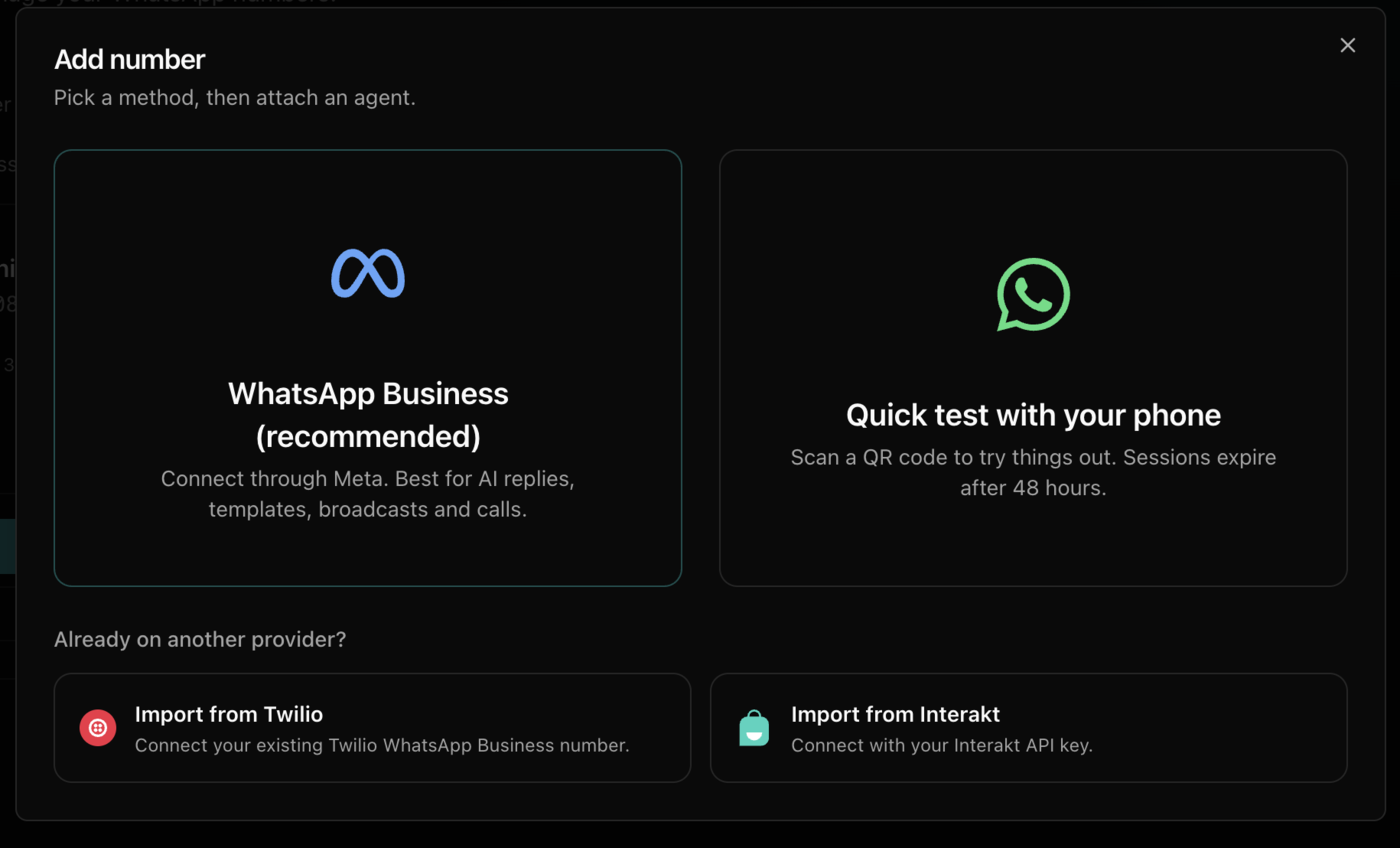
Quick test with your phone
Try your agent on WhatsApp in a few minutes by linking your own WhatsApp number with a QR code, with no Meta setup.
Link your own WhatsApp by QR code and see your agent answer in minutes. For testing only: the link expires after about 48 hours, and templates and broadcasts need a WhatsApp Business number.
Scan the QR code
On your phone, open WhatsApp, go to Settings → Linked Devices → Link a Device, and scan the code.
Attach an agent
On the number's card, open Choose agent next to Answered by, pick an agent, and click Attach agent.
Send a test message
Message your number from another phone. The agent replies.
To stop, click Remove agent, delete the number, or remove the device from Linked Devices on your phone.
Was this page helpful?